

1. Define what done means
Choose a specific job: an inspection, repair, or maintenance visit. Record the customer, location, equipment, and reason for the request. Describe what you will check and what falls outside the scope.
Before scheduling, agree with the customer on the expected result. An inspection may end with a diagnosis and recommendation; a repair needs a functional check. These jobs require different completion criteria.
2. Prepare before leaving
Assign someone to the job and set a date. Gather access instructions, equipment history, and expected materials. This preparation matters when you work alone too: your service process should not depend on memory.
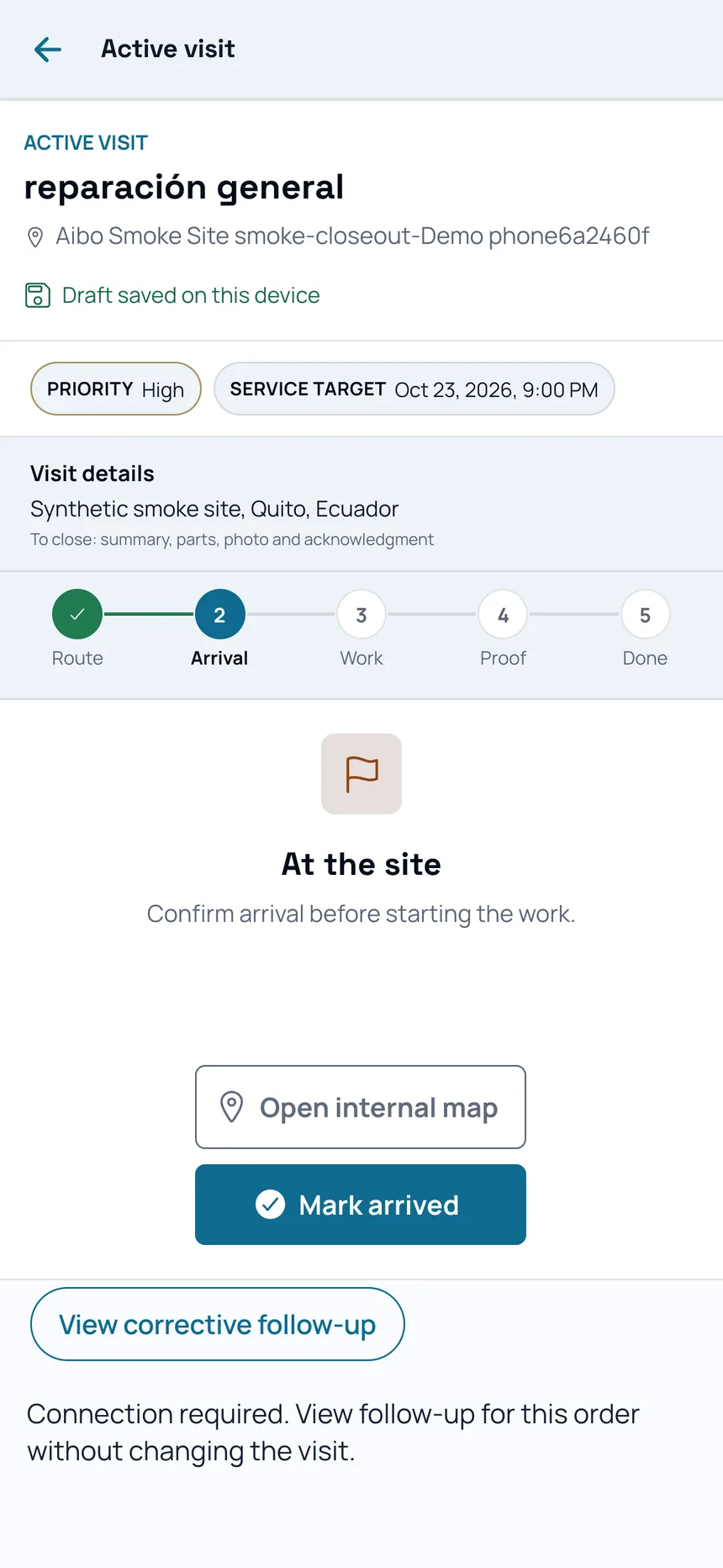
In Aibo Task, review the assigned work order and its context. Mobile offline continuity covers assigned work and the active visit; the browser requires a connection. Check access and synchronization before visiting a site with limited coverage.
- Correct customer and site
- Agreed scope
- Person responsible and schedule
- Materials and instructions
3. Record what you find and do
Write specific observations during the visit. A useful photo needs context: what it shows, where it was taken, and which reading or observation explains it. Record materials used and scope changes when relevant.
Separate the initial condition, the intervention, and the final check. Avoid photographing personal information or areas unrelated to the job. Follow the customer’s permissions and the safety procedures for your trade.
4. Review the report before closeout
Check that photos, notes, readings, and any required signature belong to the visit. Explain the outcome, limitations, and remaining work. Identifying a problem is different from resolving it.
If you use Ludo AI to organize information or prepare a draft, compare the text with the original evidence. Technical review and the closeout decision remain your responsibility.
5. Evaluate whether the workflow helps
Ask a colleague or the customer to read the report: can they understand the request, the work completed, and what remains? Note questions that require finding context elsewhere, and improve the record on the next job.
Repeat the workflow with three real jobs. Check which fields recur, where information is missing, and who needs to review each closeout. Use those observations to refine your checklist and choose the setup you need.