

1. Decide what the record needs to show
A preventive maintenance checklist records what needed checking, what was done, and what remains outstanding. It helps an independent technician preserve service history and a business review visits consistently. A ticked box alone does not explain the condition of the equipment.
Base tasks, intervals, and technical criteria on the manufacturer's documentation and the authorized procedure for that asset. This template organizes the visit record. Methods for carrying out the work and acceptance criteria must come from those references.
2. Prepare the checklist before scheduling
Identify the customer, site, and asset so the checklist cannot be mistaken for another machine's record. Check the procedure version and available history. Decide who will make the visit and who will review the record, even when you perform both roles as an independent professional.
Confirm access arrangements and required authorization. If a check depends on a resource that is not yet available, make that dependency visible before confirming the visit. Define the evidence expected for each task: an observation, a reading with its unit, or a photograph with context, as appropriate.

3. Use a template that allows exceptions
Copy this structure and repeat the task block for each check. Keep a procedure reference so another person can understand where the assessment criterion came from. An empty field must never be treated as a satisfactory check.
Adaptable preventive maintenance record
Customer and site: [identification]
Asset and location: [identifier]
Work order: [reference]
Procedure and version: [applicable reference]
Visit date and person responsible: [details]

Task or check: [description from the procedure]
Assessment criterion: [document or section]
Status: [completed / not completed / not applicable]
Outcome or observation: [what was found]
Reading and unit, if relevant: [recorded value]
Evidence: [photo, note, or document reference]
Exception reason: [why not completed or not applicable]
Outstanding work and next step: [specific action]
Person responsible for follow-up: [person or role]
Review and date: [who reviewed the record]
4. Separate status, outcome, and outstanding work
Use consistent statuses across visits so reviewers do not have to interpret different expressions for the same situation. Status describes whether the task was performed; outcome describes what was observed. A completed check can reveal a problem and create follow-up work.
- Completed: the check was performed and its outcome recorded, whether satisfactory or unsatisfactory.
- Not completed: the check still needs to be performed. Explain why and what is needed to complete it.
- Not applicable: the procedure permits excluding the check for that asset or condition. Record the justification.
- Outstanding work: retain the required action and the person responsible; do not turn it into a satisfactory outcome.
5. Fictional example: a visit with limited access
North Building requests a preventive maintenance visit for pump P-01 in its plant room. Work order WO-018 follows the authorized procedure confirmed by the site contact before the visit. The names and identifiers in this example are fictional.
Asset identification and the history review are completed, with the note and identification photo linked to WO-018. A planned check in an adjoining area is marked not completed because access was not granted. No reading is invented and the check is not recorded as satisfactory. Not applicable would be incorrect: the check was required.
The record ends as a partial visit. The site contact must confirm access, and the technician will schedule the remaining work once access is confirmed. The review keeps the outstanding work visible rather than presenting the full maintenance visit as satisfactory.
6. Review before closeout and reuse
Check that every task has a status, every exception is explained, and every outstanding action has a person responsible. For the next service, consult the applicable procedure and history. Do not automatically copy the interval or outcome from the previous visit.
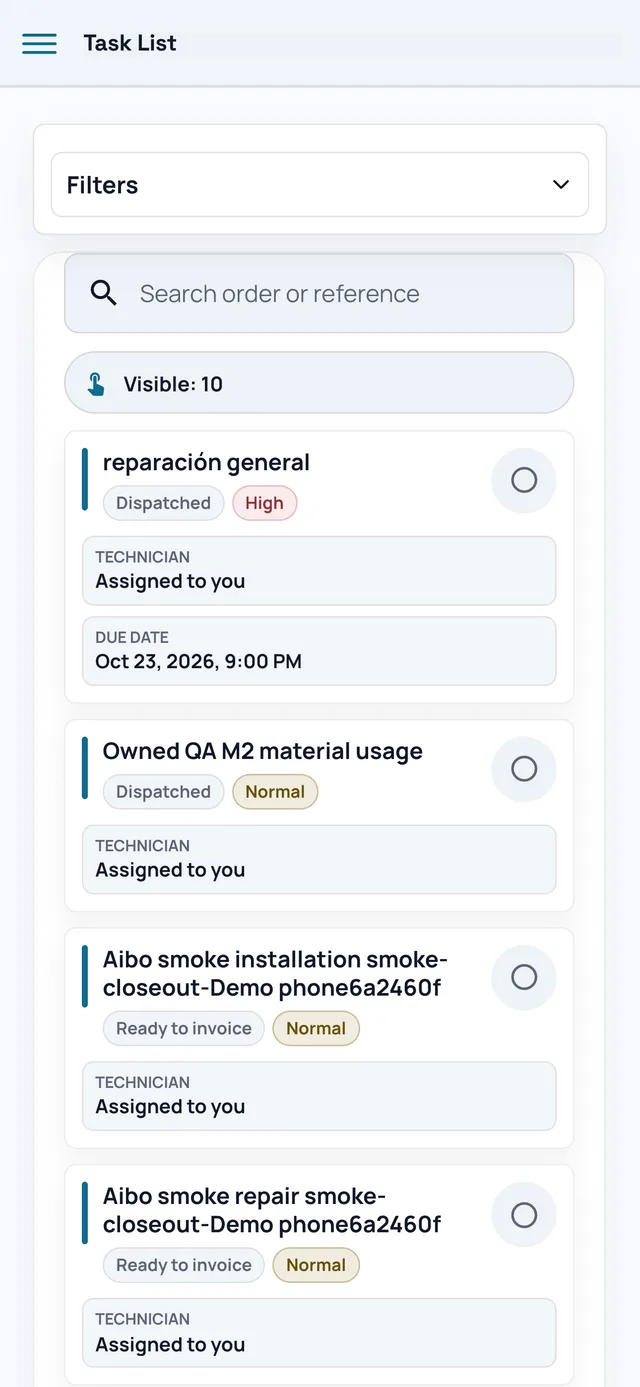
In Aibo Task, you can keep customer, asset, work order, and visit evidence in context. Use that context to review the record and decide what happens next, while keeping technical decisions with the person responsible.